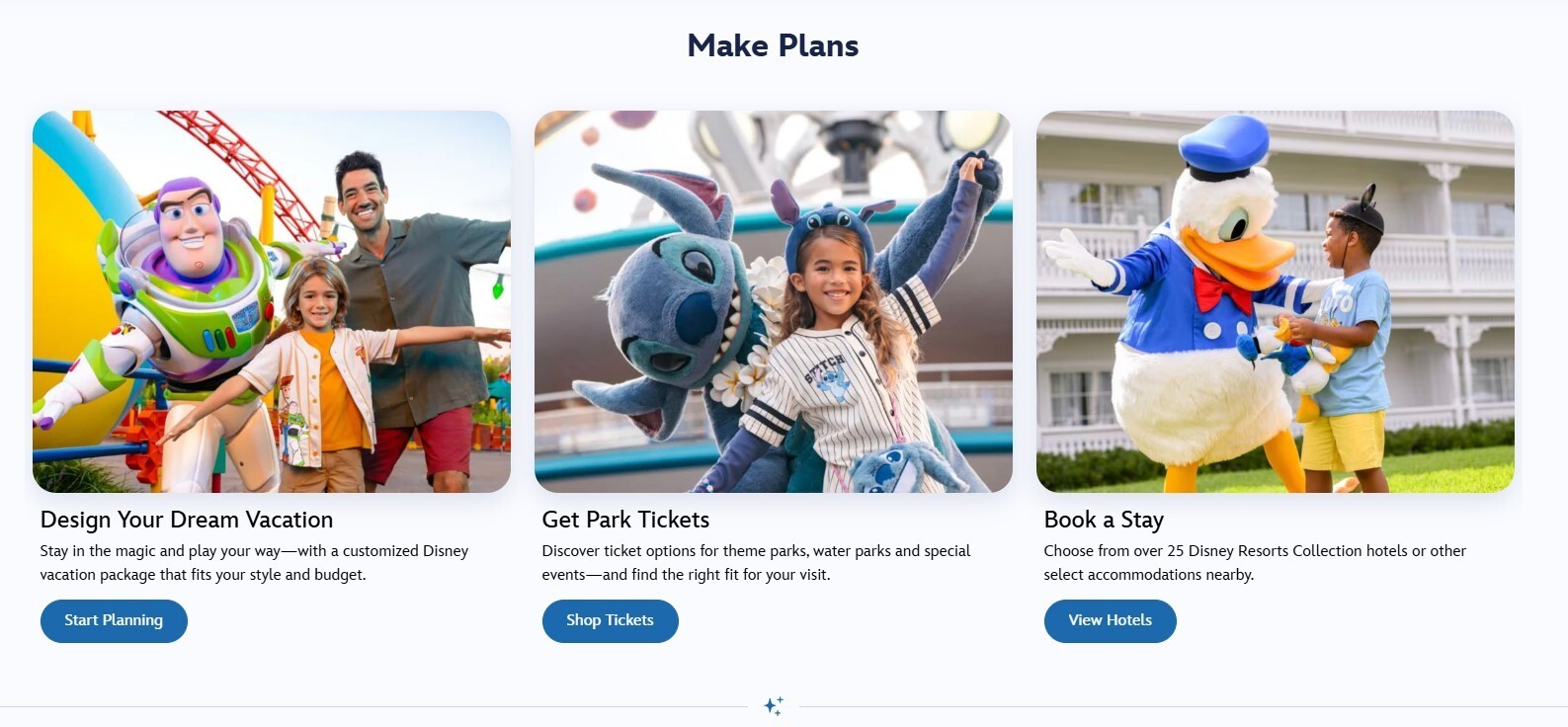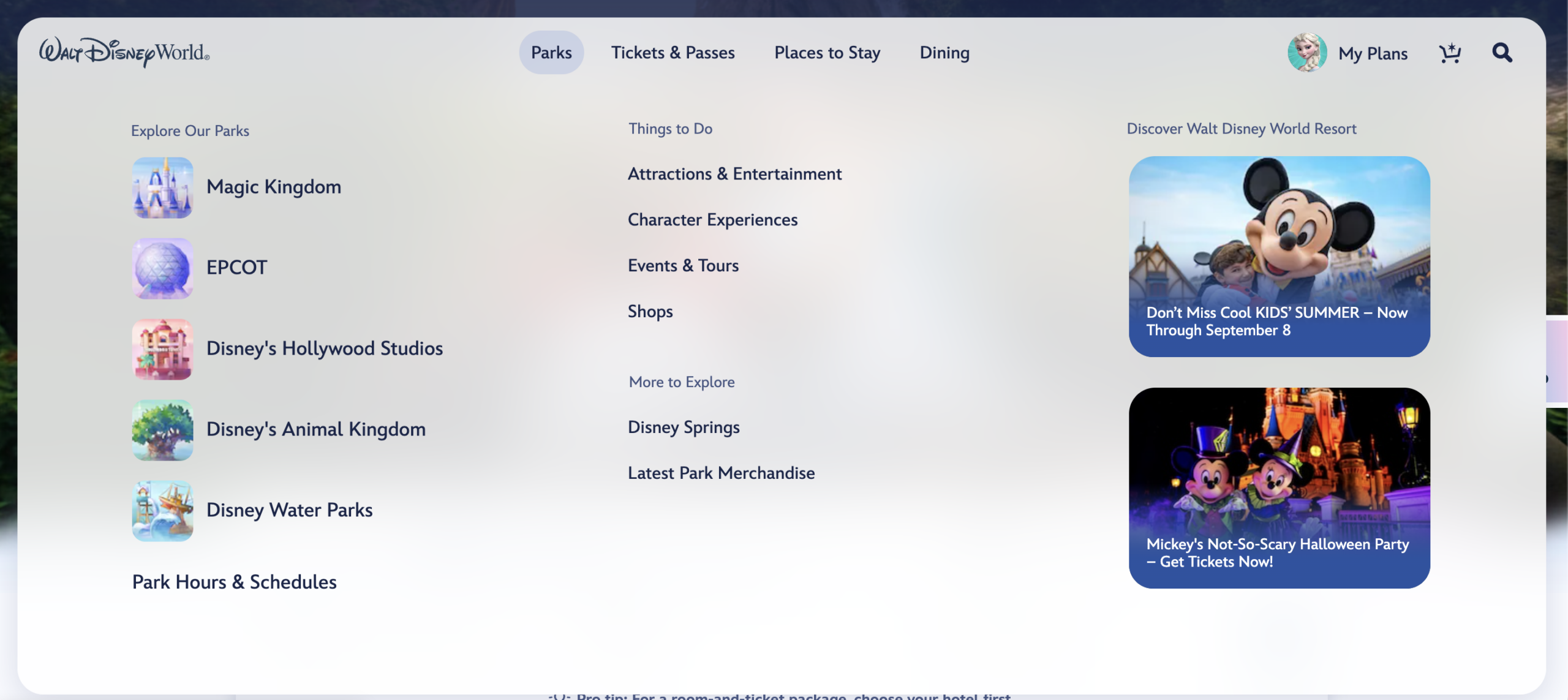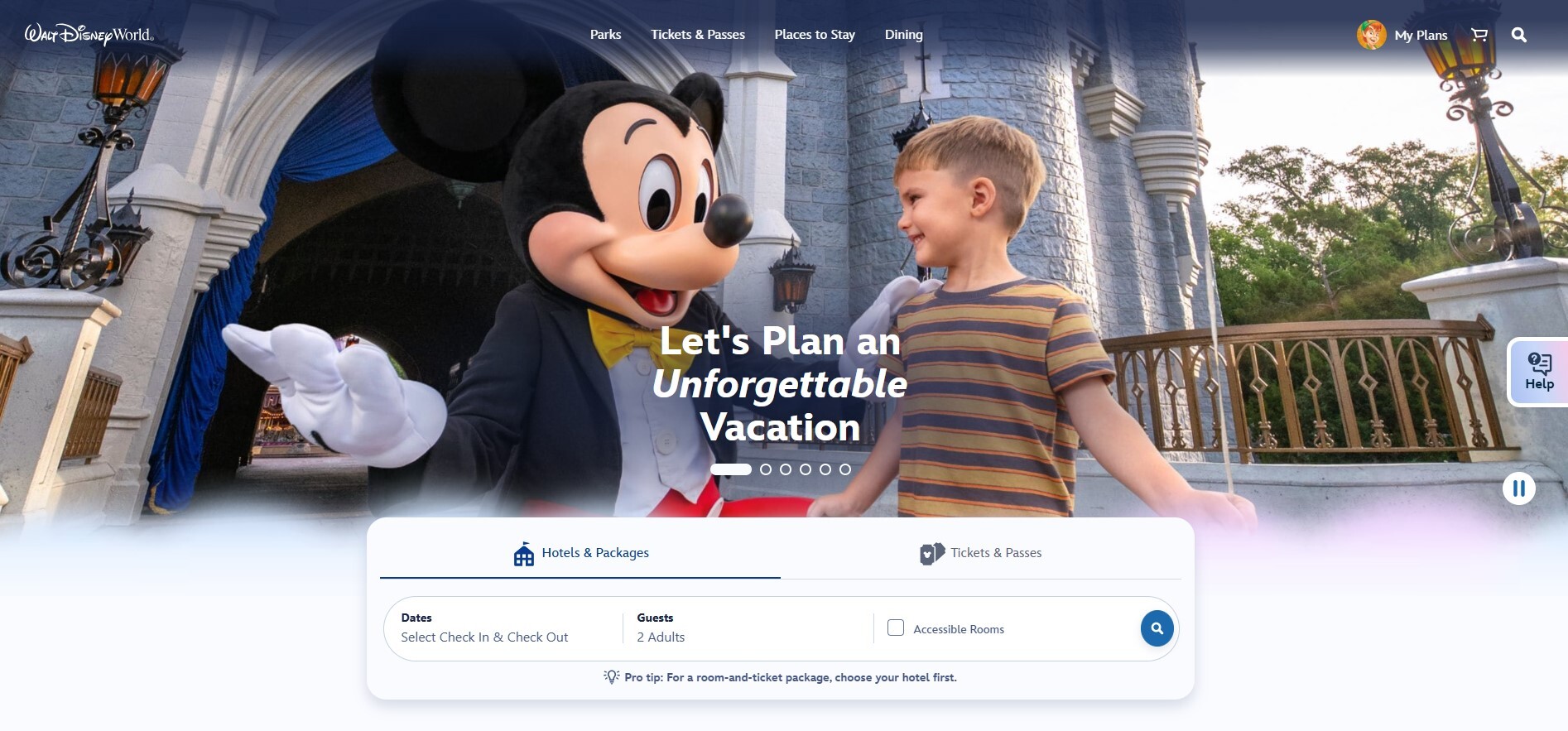
Walt Disney World’s website got a new look on August 20, with a simpler top menu and a different home for the hotel-and-ticket search tool.
Nothing about the redesign changes a ticket, reservation, or Lightning Lane rule. It does change the path guests take to find those things, which is enough to feel a little disorienting when you have a trip tab open and are trying to finish one specific task.
Where to go for each planning task
- Your account and existing plans: My Plans, in the upper-right corner.
- Restaurant information: Dining, in the top menu.
- Lightning Lane information: Tickets & Passes, then Lightning Lane.
- Park hours: Parks, then Park Hours & Schedules.
- Hotel or ticket shopping: Scroll below the homepage photos to Hotels & Packages or Tickets & Passes.
Once you have found the right Disney page, our Dining Scout walkthrough shows how matching-opening alerts lead back to Disney for booking. For launch updates on those tools, join the Rope Drop Hero waitlist.
The new top menu is shorter
The main navigation now has four choices: Parks, Tickets & Passes, Places to Stay, and Dining. My Plans, search, and the shopping cart remain in the upper-right corner.
The old Things to Do category is gone from the top level. Attractions, entertainment, character experiences, events, tours, and shopping now live under Parks. Park Hours & Schedules is there too, which is useful when you only need to check a closing time and do not want to dig through a park page first.
Tickets & Passes is where Disney now groups tickets, Annual Passes, Lightning Lane, photo packages, and Enchanting Extras. Hotels live under Places to Stay, and restaurant information stays under Dining. The content did not disappear. It has just been gathered into fewer front-door options.
The booking controls moved down the page
The biggest visual change on the homepage is the placement of the planning widget. The Hotels & Packages and Tickets & Passes choices now sit below the rotating homepage imagery instead of at the very top.
That is a small change on paper, but it is the kind guests notice when they are used to opening DisneyWorld.com and immediately entering dates. The new route is still straightforward: scroll to the booking panel, then choose whether you are shopping for a hotel package or tickets.
Disney’s offer panels may also look different after sign-in. The source reporting notes that those offers can vary by guest type, including Florida residents and Annual Passholders.
What to do with your existing bookmarks
If you have a direct bookmark for a resort, a dining page, or a park-hours calendar, it should remain the quickest route. For broad browsing, the new menu gives you a pretty clean starting point: Parks for a park day, Tickets & Passes for admission or Lightning Lane questions, Places to Stay for hotels, and Dining for restaurants.
For help deciding what to do after buying Lightning Lane access, see how Rope Drop Hero’s eligible auto-booking works. Disney still controls admission, eligibility, inventory, and final booking rules.